

The Water Tracker App That Builds A Daily Habit
Drink More Water Without Having To Think About It
WaterMinder helps you build a consistent hydration habit with personalized goals, smart reminders, and simple tracking that fits your everyday routine.





You Know Drinking Water Matters.
But Life Gets In The Way.
Between work, workouts, errands, and everything else on your schedule, it's easy to forget something as simple as drinking enough water.
Busy Days Take Over
Meetings, deadlines, and packed schedules make hydration easy to forget.
You Lose Track
Without a simple system, it's hard to know if you're actually drinking enough.
Habits Are Hard To Maintain
Knowing what to do is easy. Staying consistent is the challenge.
No Accountability
Without reminders, most people only drink water when they already feel thirsty.
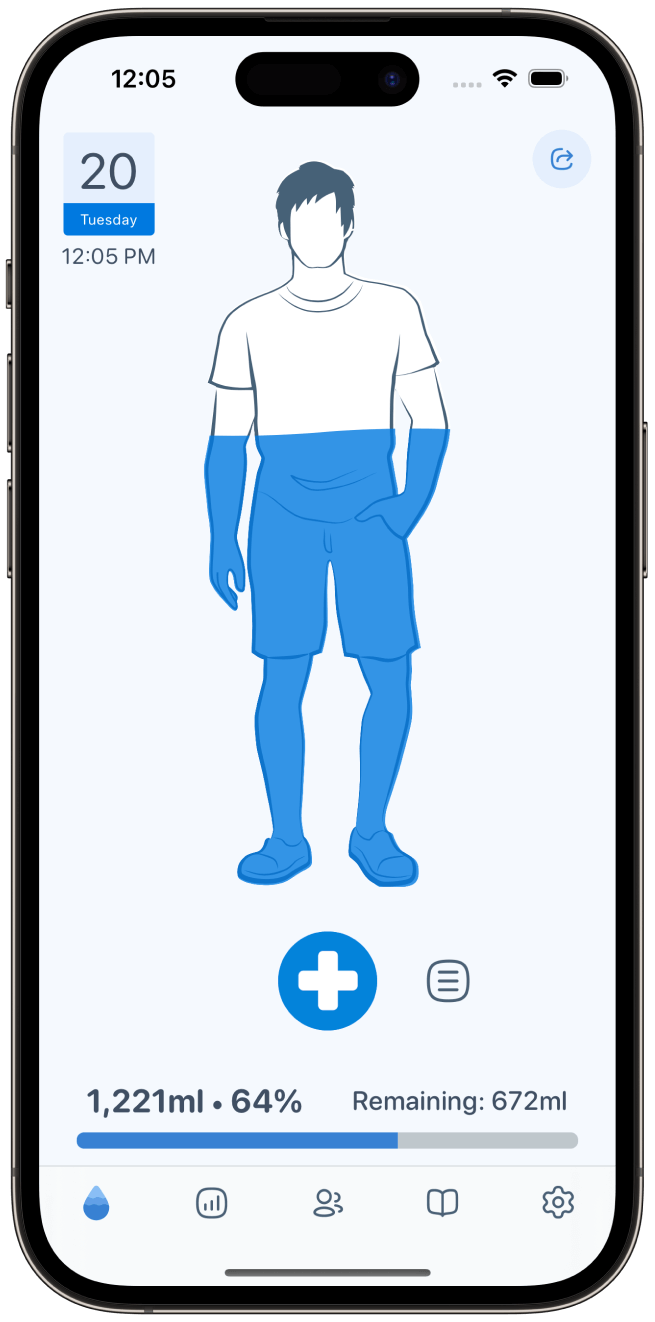
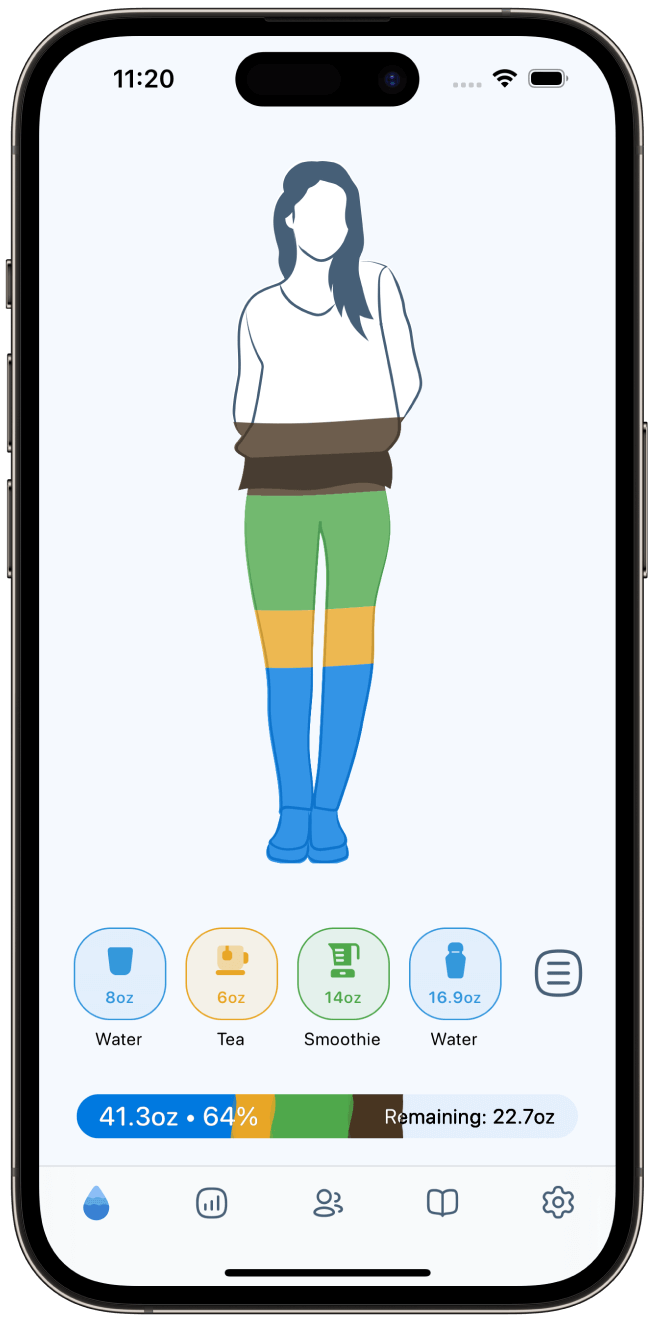
WaterMinder helps you stay consistent by turning hydration into a habit you can actually maintain.
Staying Hydrated Has Never Been Easier
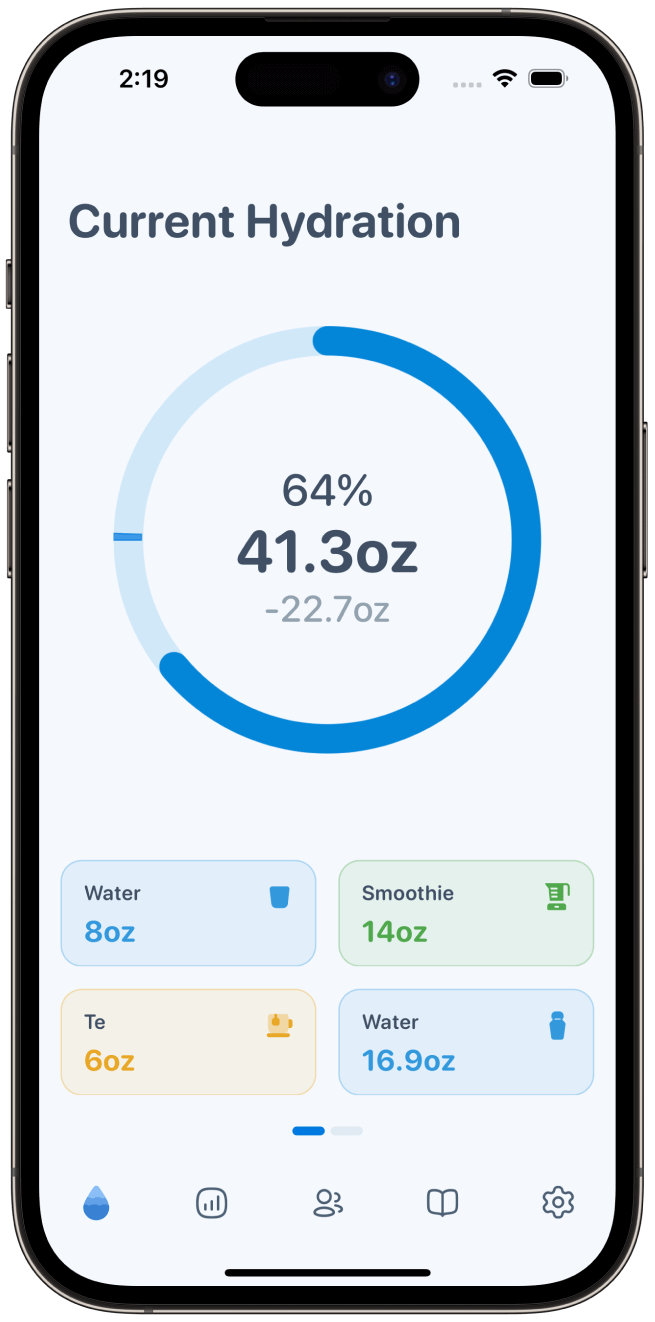
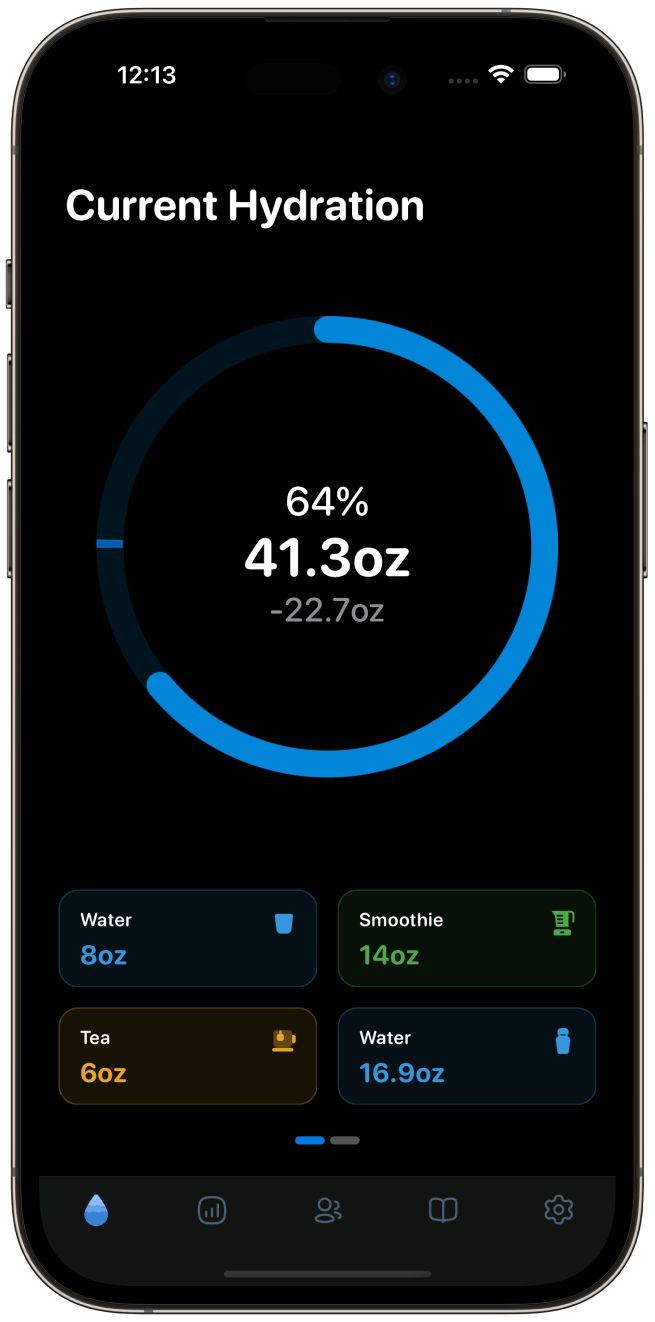
WaterMinder is the all-around water tracker app that fits into your day. Set a goal, get reminded, log a drink in a tap, and stay hydrated all day, every day.
Step 1
Set Your Personal Goal
Create a hydration goal that matches your lifestyle and daily needs.
Step 2
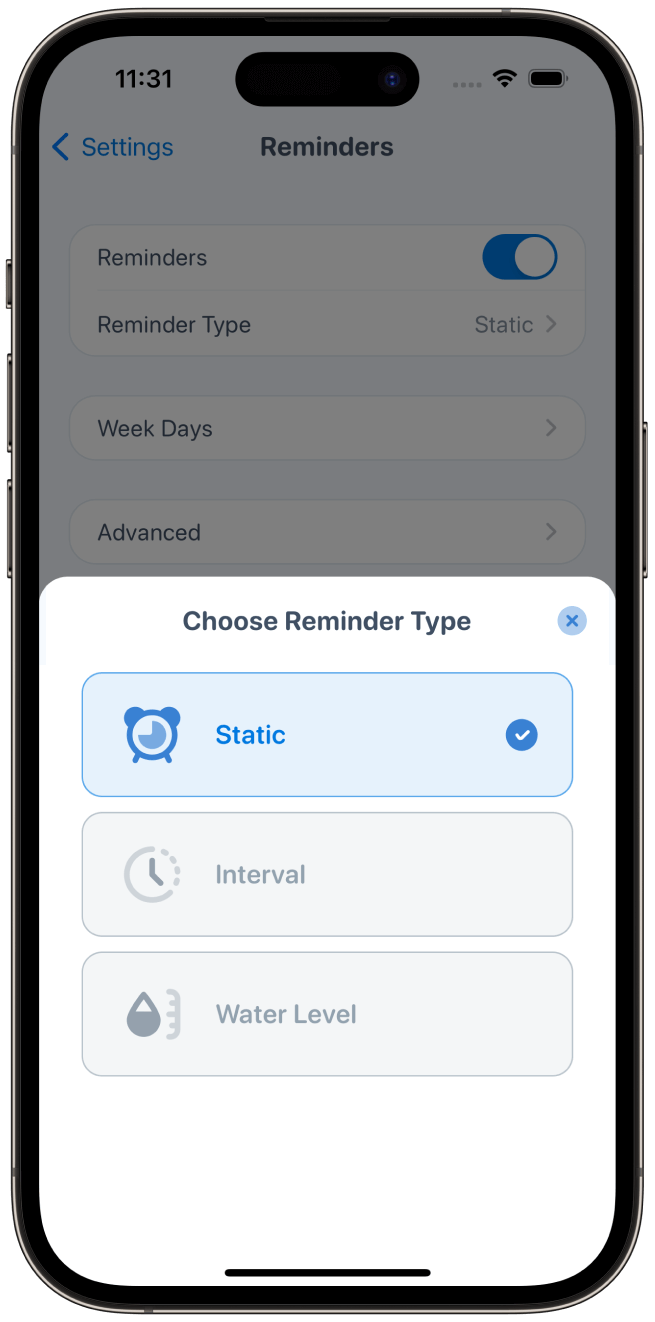
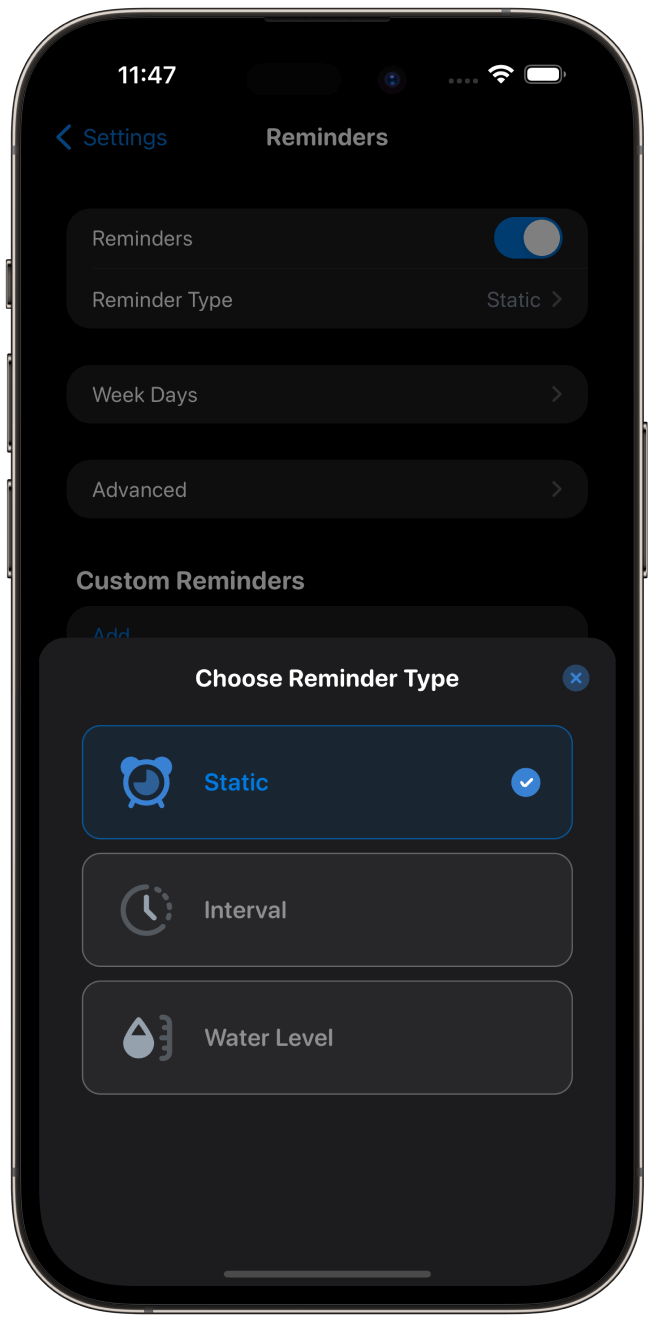
Get Helpful Reminders
Receive gentle reminders throughout your day so hydration stays top of mind.
Step 3
Track Your Progress
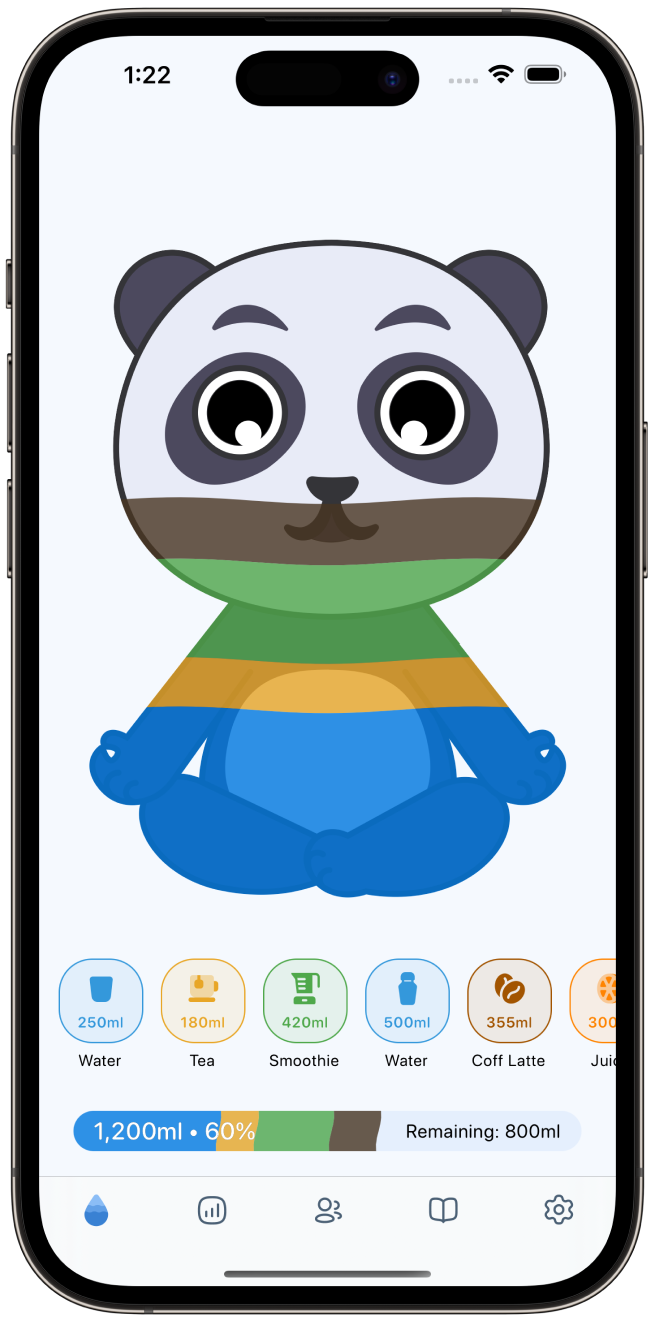
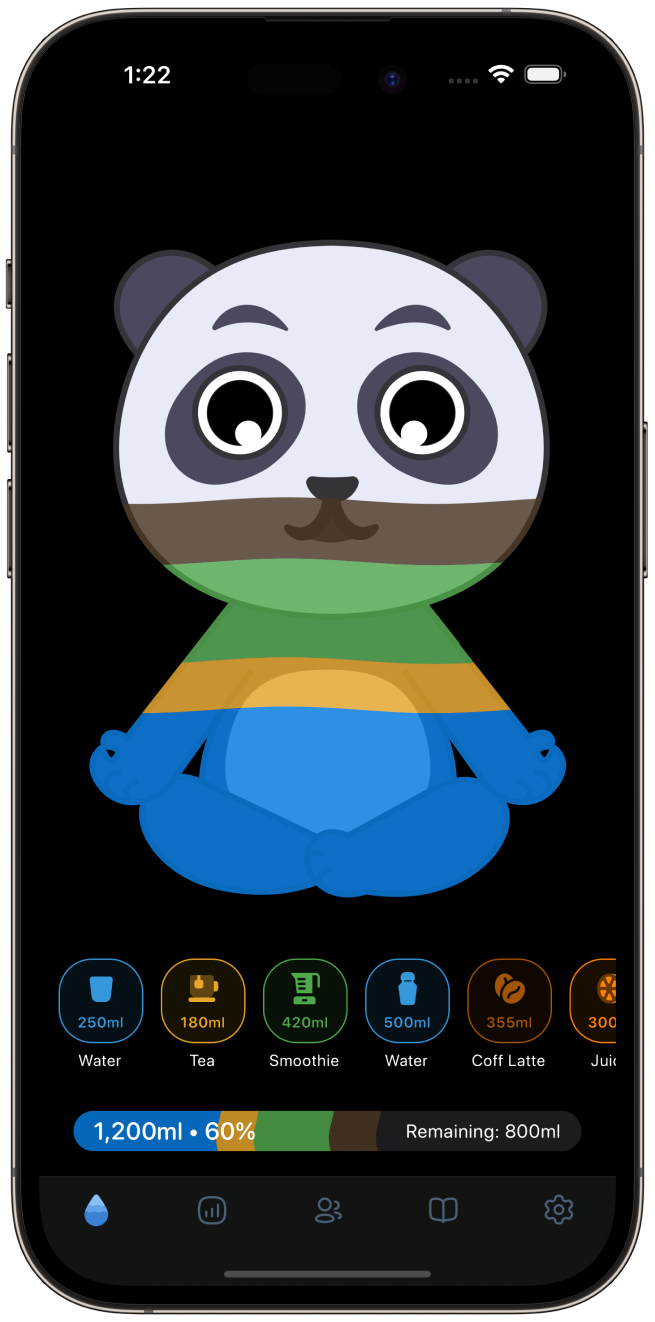
Log your drinks in seconds and see your progress as you build consistency.



Whatever Your Routine Looks Like,
WaterMinder Fits In
Whether you're working, training, traveling, or simply trying to build better habits, WaterMinder helps you stay consistent.
Busy Professionals
Stay Hydrated Through Your Busiest Days
Long meetings and packed schedules make hydration easy to forget. WaterMinder helps you stay on track without adding another task to your day.
Fitness & Sports
Hydration That Keeps Up With You
Stay aware of your hydration before, during, and after your workouts with simple tracking and reminders.
Travelers
Keep Your Routine Wherever You Go
Flights, road trips, and changing schedules can interrupt healthy habits. WaterMinder helps you stay consistent anywhere.
Health-Conscious Users
Make Hydration Part Of Your Daily Routine
Create a simple habit that helps you stay mindful of your water intake every day.
Parents
Remember To Take Care Of Yourself Too
When your day is focused on everyone else, WaterMinder helps you remember your own hydration.
Anyone Looking To Stay Better Hydrated
Simple Hydration, No Complexity
Remember, track, and improve your hydration without adding complexity to your routine.
Everything You Need To Make Hydration Easier
WaterMinder combines personalization, reminders, and effortless tracking to help you create a routine that lasts.
Personalized Goals
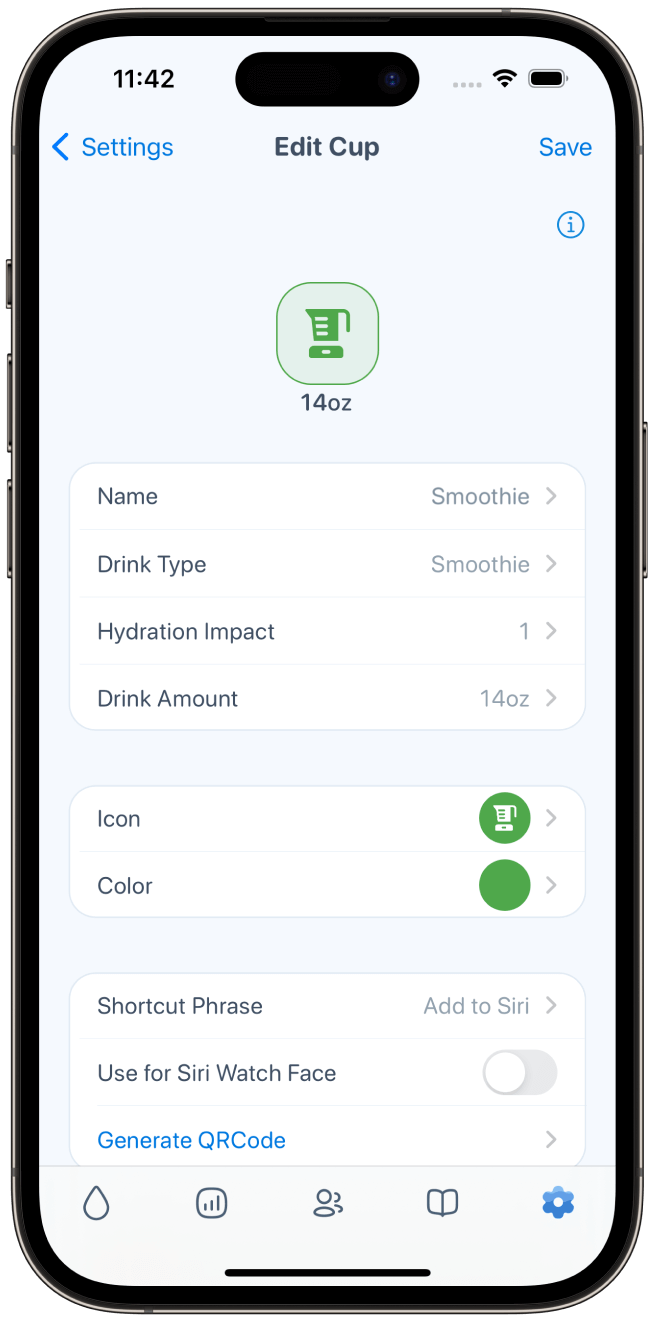
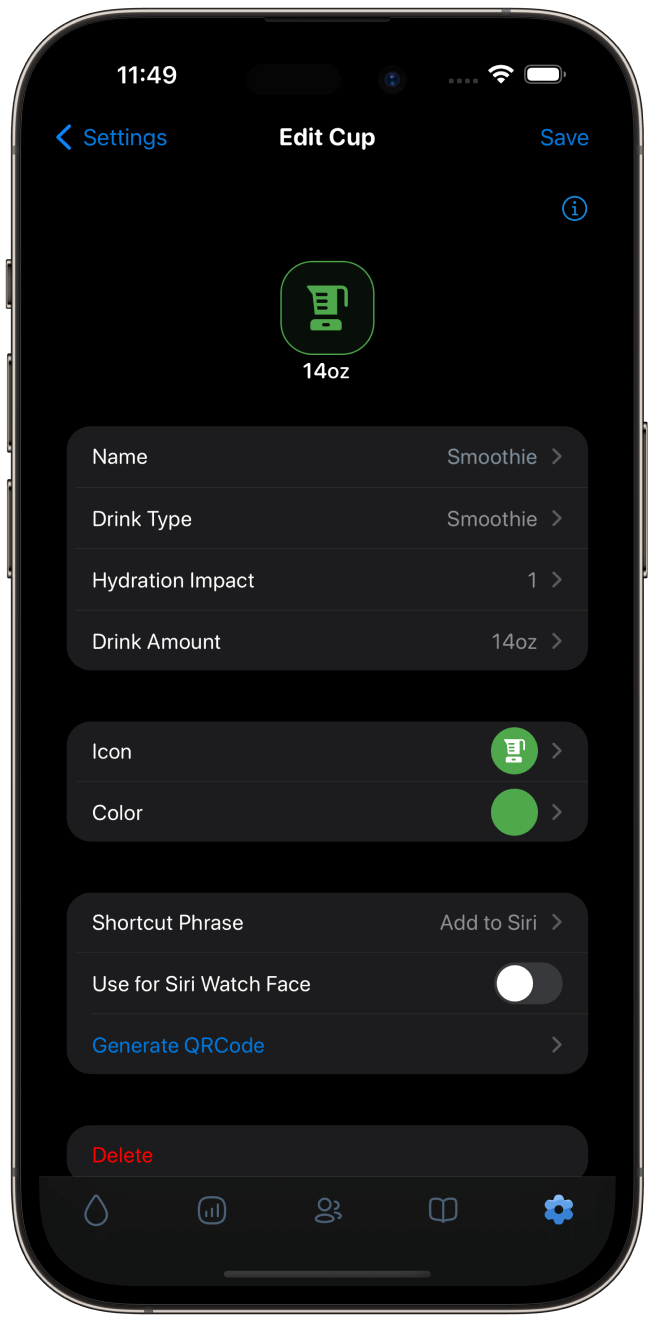
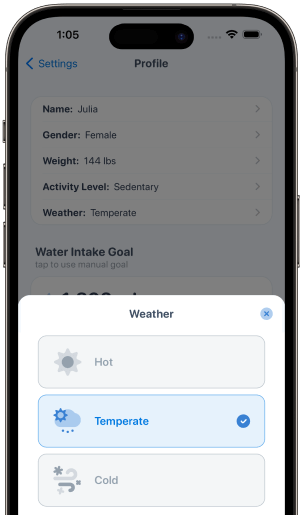
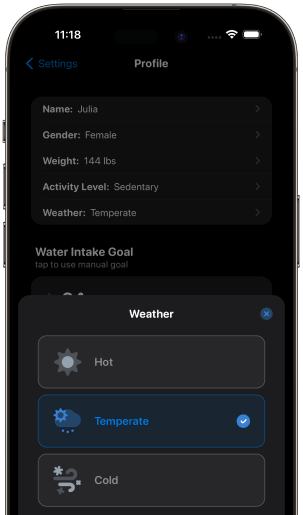
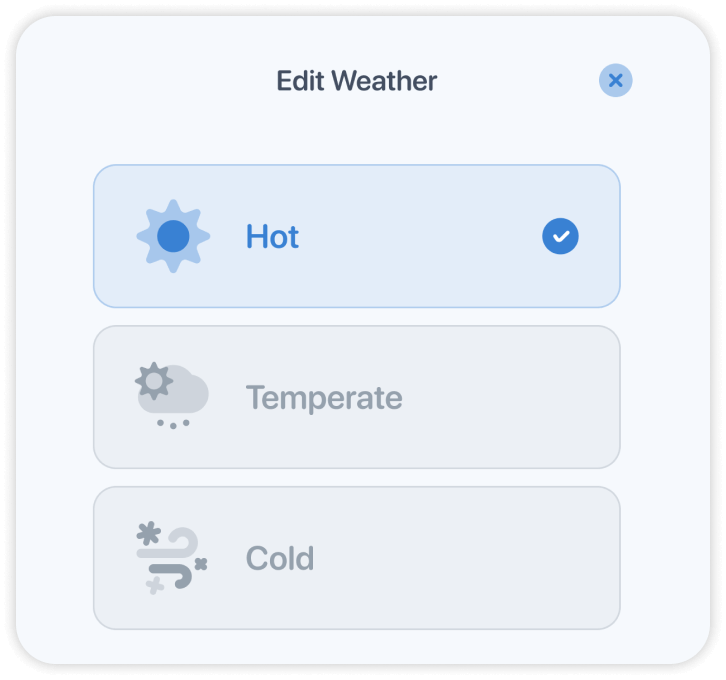
Your hydration goal adapts to your weight, activity level, and even the weather, so your routine feels realistic. Customize cups, layouts, and drink types to match your day.
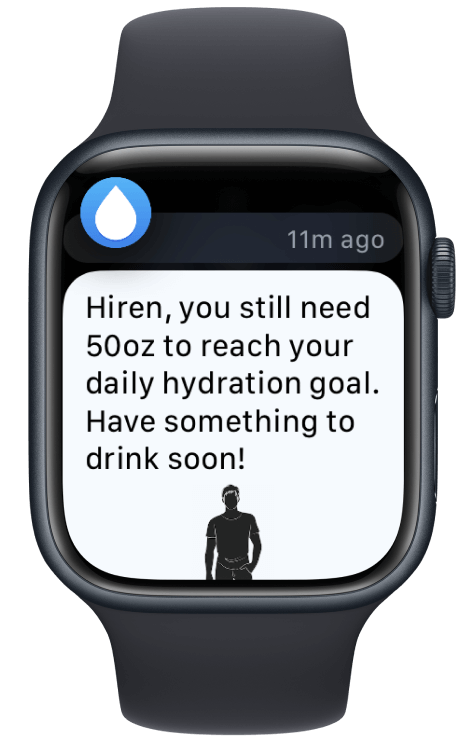
Smart Reminders
Get helpful water reminders throughout the day so drinking water becomes easier to remember, on your phone and on your wrist. They adapt to your schedule and stop once you hit your goal.
Quick Tracking
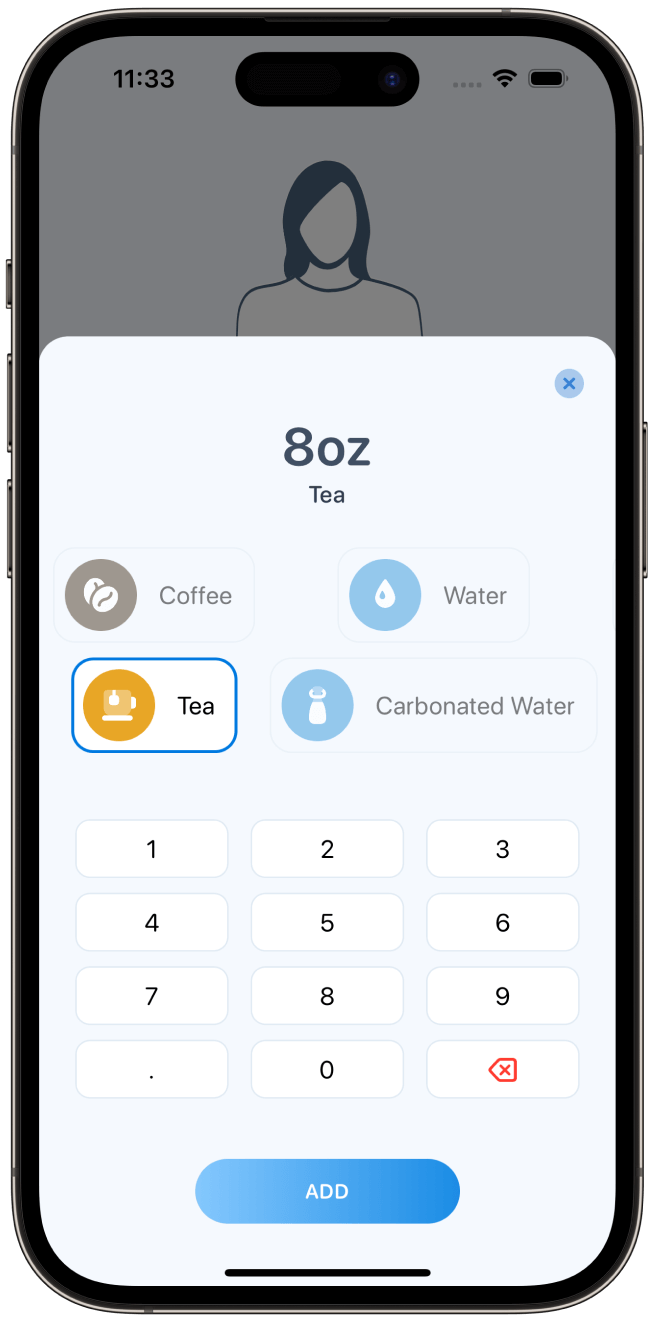
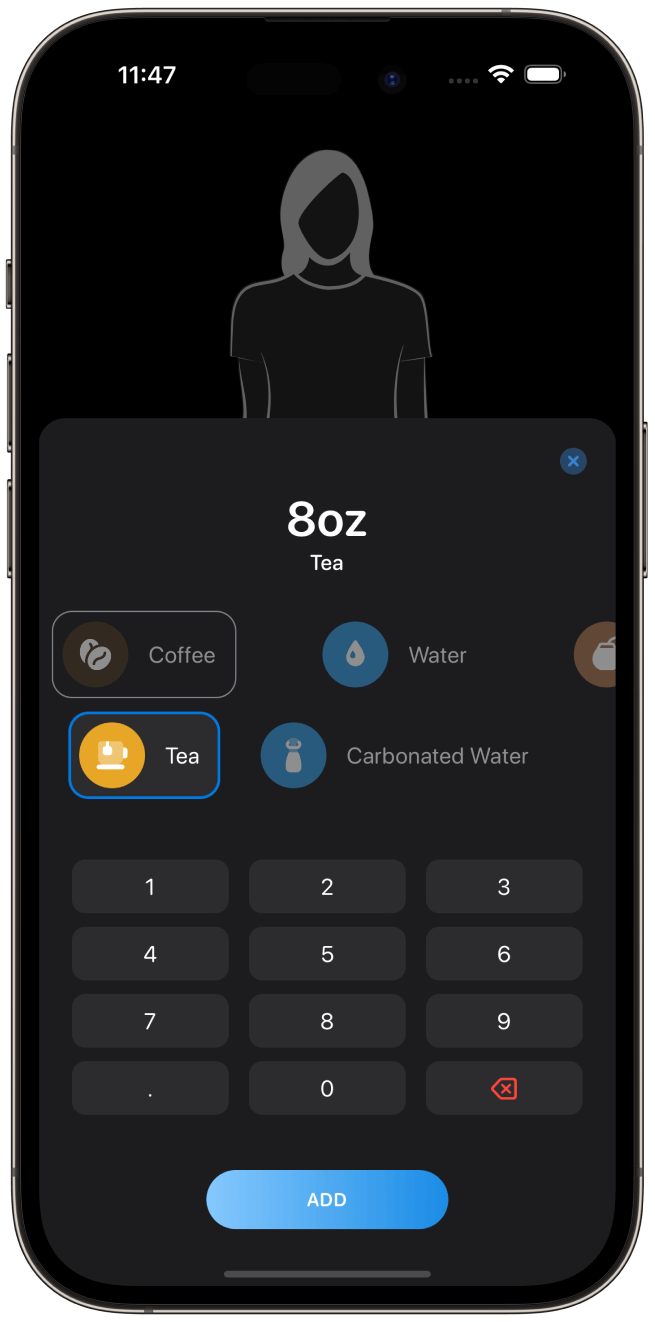
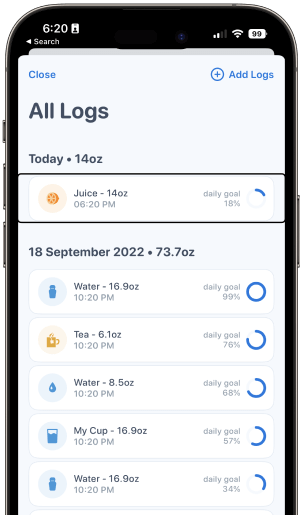
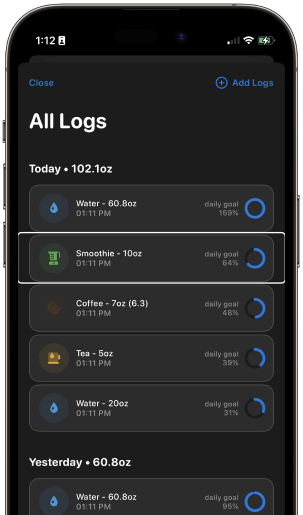
Track your water intake in seconds without interrupting your day. Water, coffee, tea, juice, and your own custom drinks all count toward your goal.
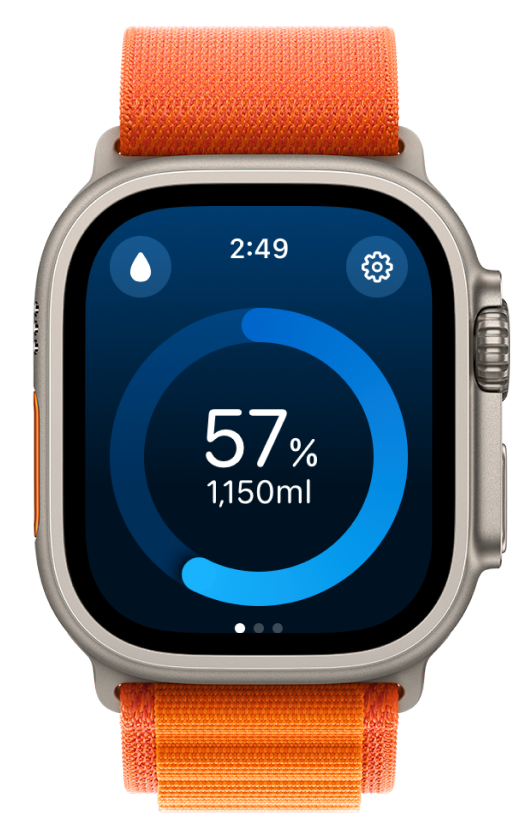
Hydration That Lives On Your Wrist
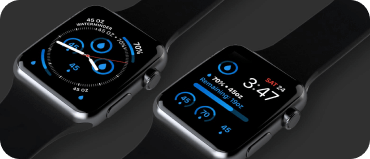
Log drinks straight from your Apple Watch, get reminders without reaching for your phone, and check your progress from a complication or widget at a glance.
Achievements, a two-week history, customizable layouts, and a full range of complications keep you motivated while you build the habit.
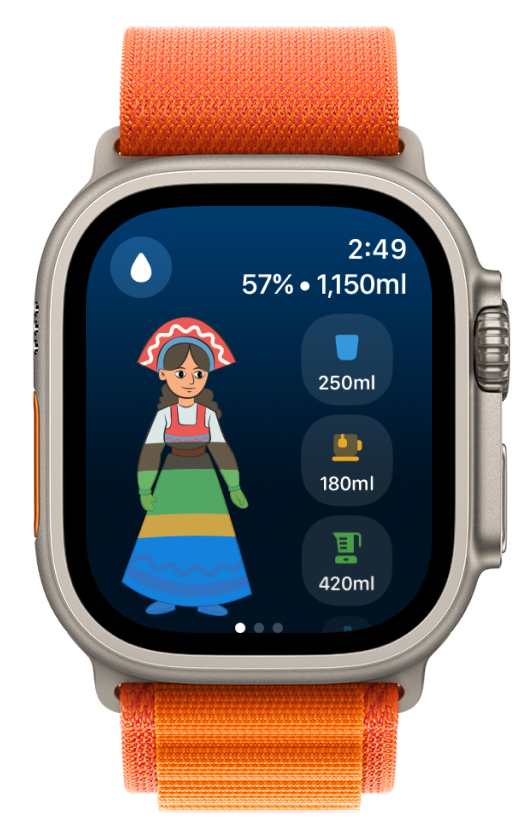
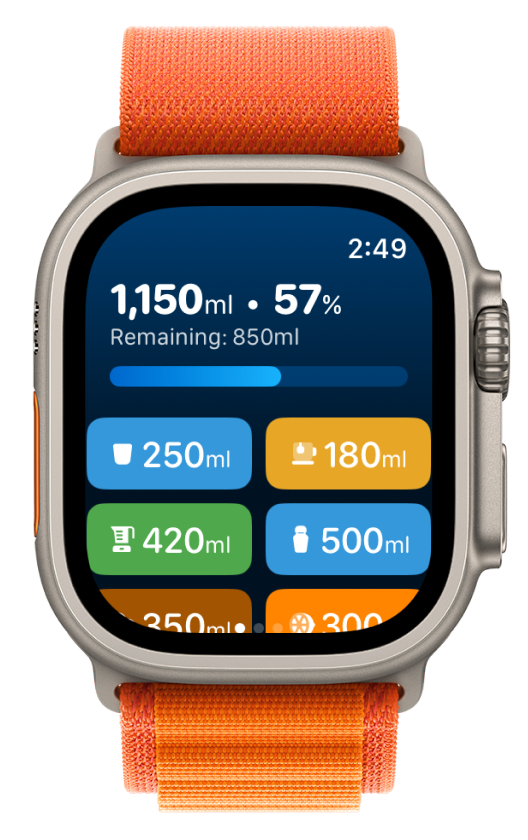
All Your Devices
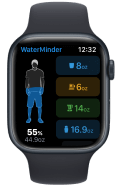
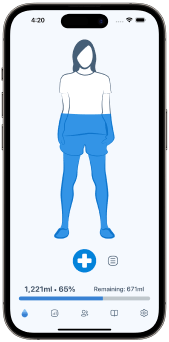
Stay connected across iPhone, Apple Watch, iPad, Mac, and Android. Your progress syncs everywhere, so you can log wherever you are.
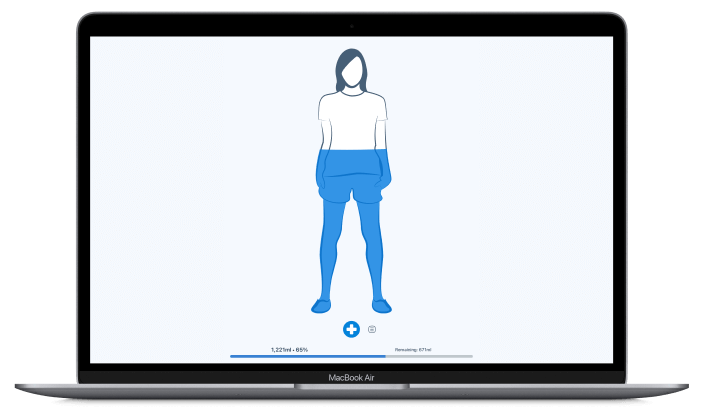
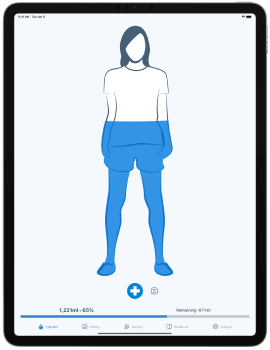
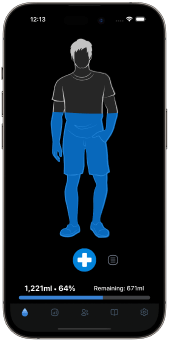
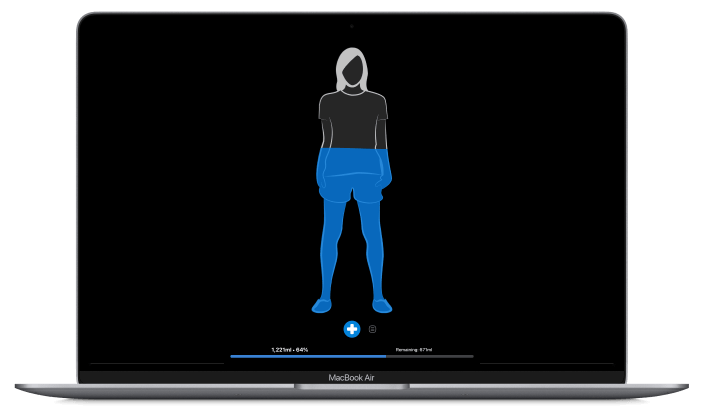
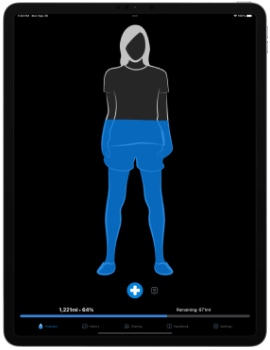
Start Your Hydration Habit Today
Small Details That Make The Habit Stick
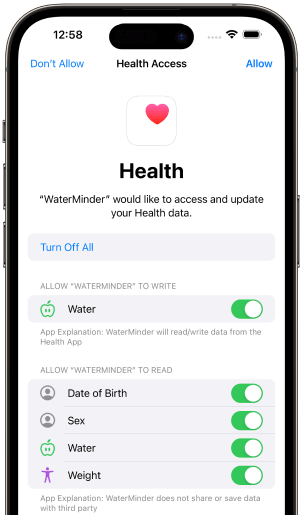
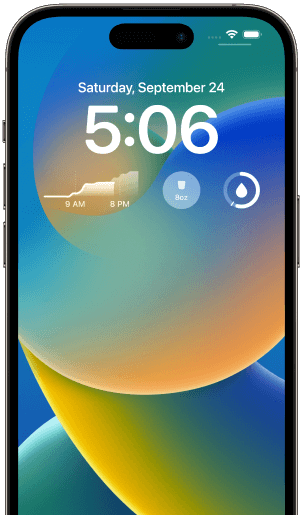
Widgets, complications, streaks, Siri Shortcuts, and Apple Health sync.
Everything that keeps hydration effortless once the reminders have done their job.
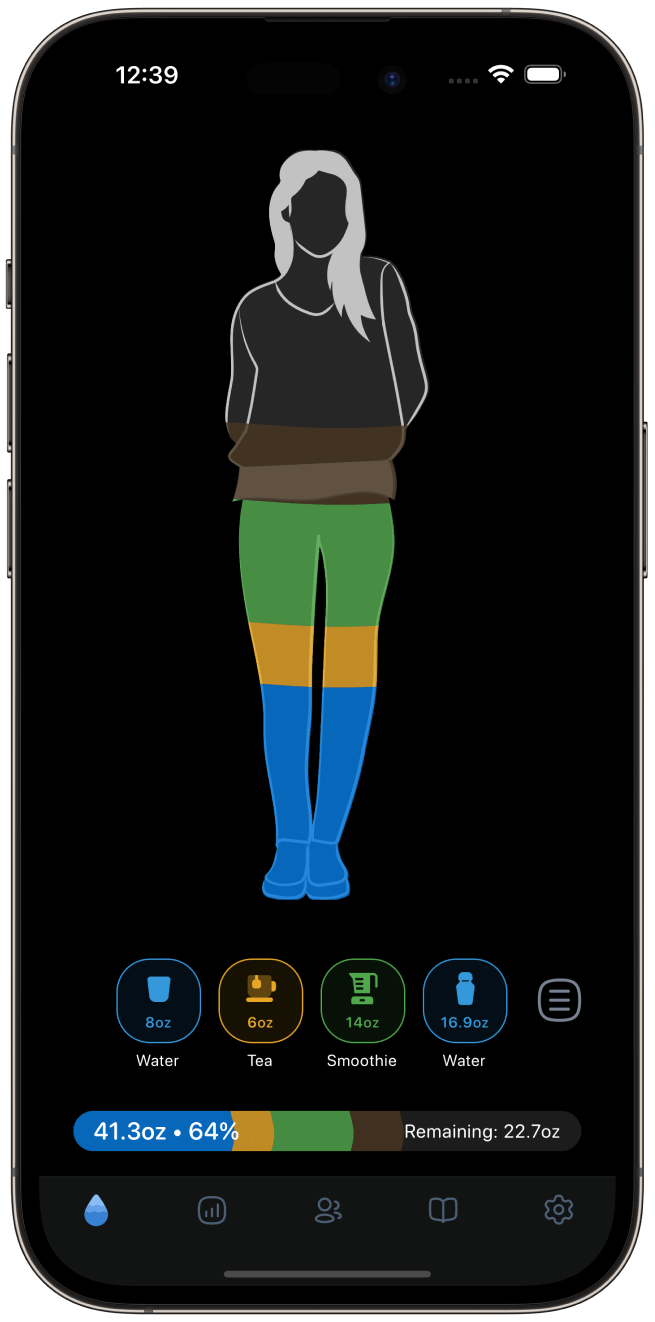
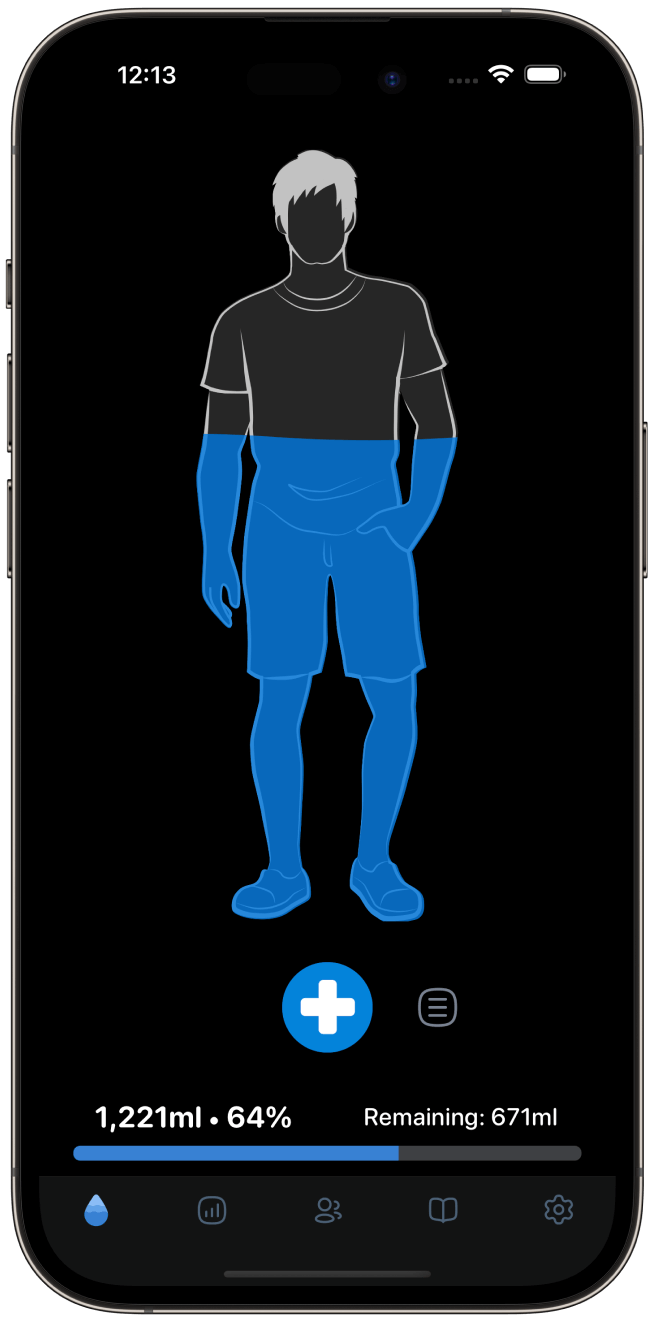
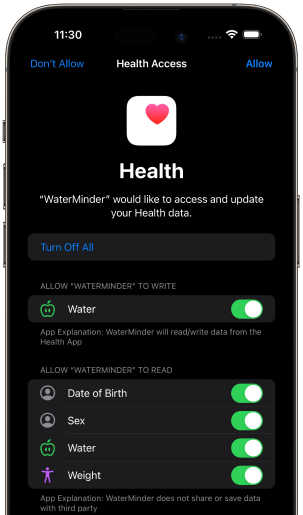
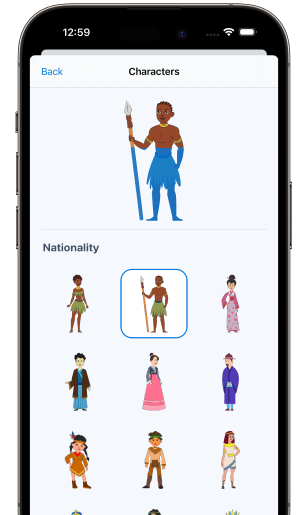
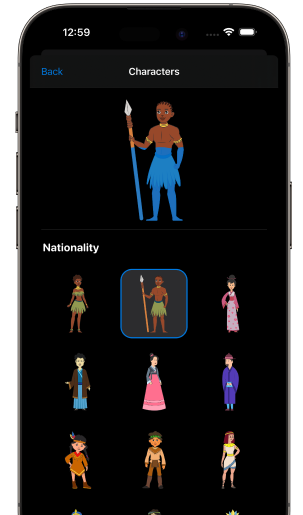
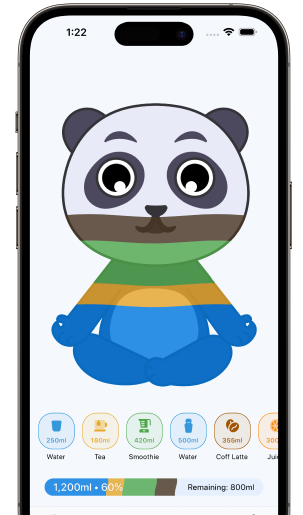
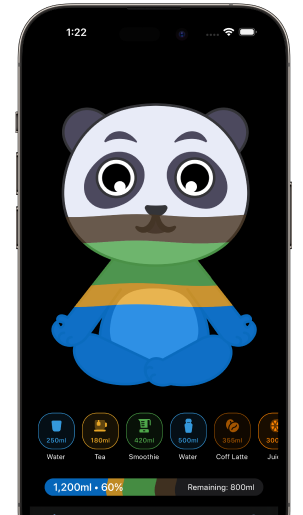
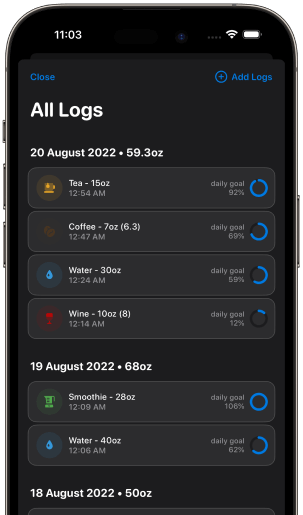
Light and Dark modes
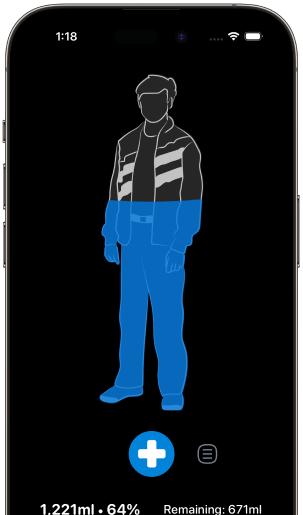
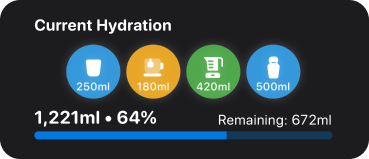
Hydration Widgets
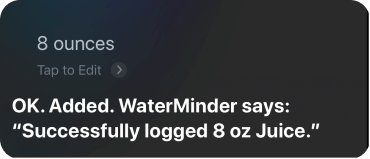
Siri Shortcuts
HealthKit Integration
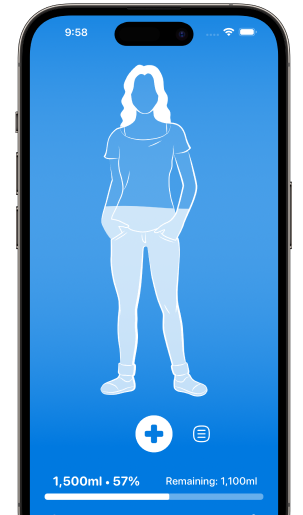
Blue theme
Colorful characters

Animal characters
Adjust Water Goal to Weather
Water Complications
Hydration Streaks
Full Personalization
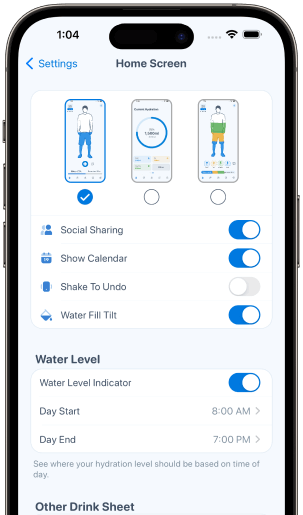
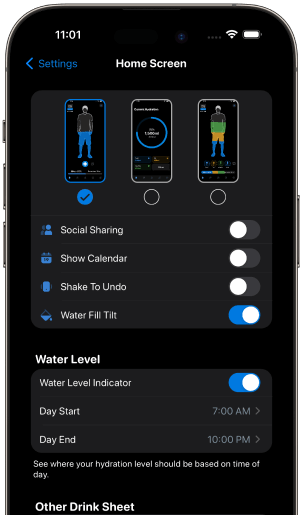
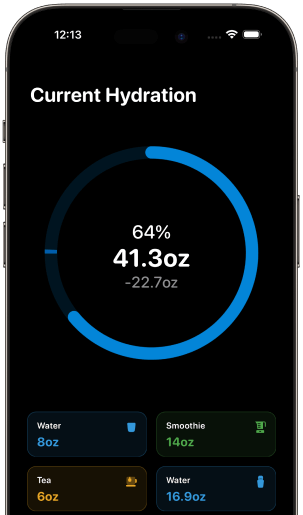
Progress Ring Layout
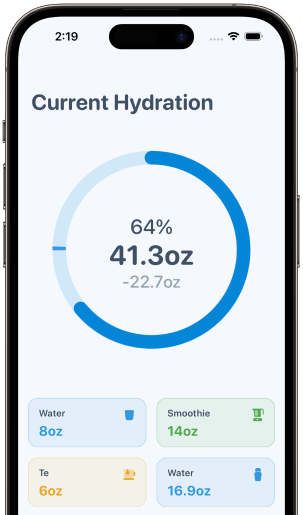
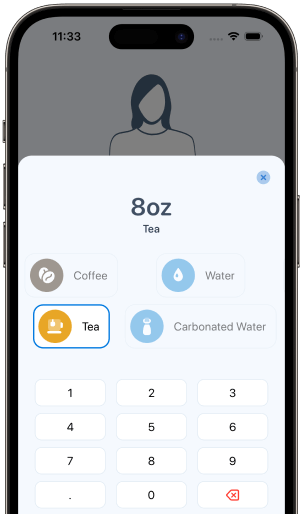
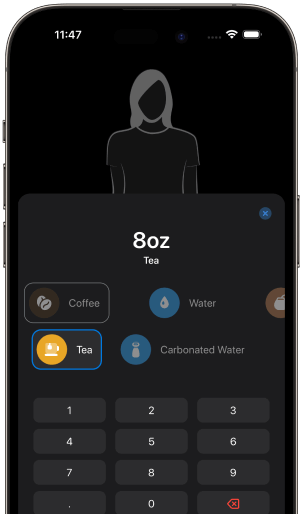
Custom Other Drink Types
History Log
Accessible
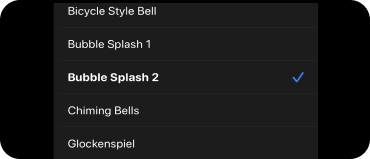
Custom Sounds
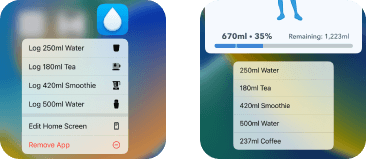
Quick App Actions
Haptic Touch
Progress That Keeps You Motivated
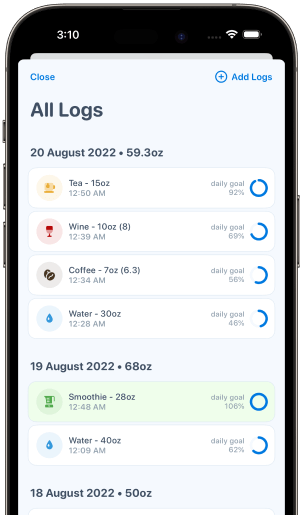
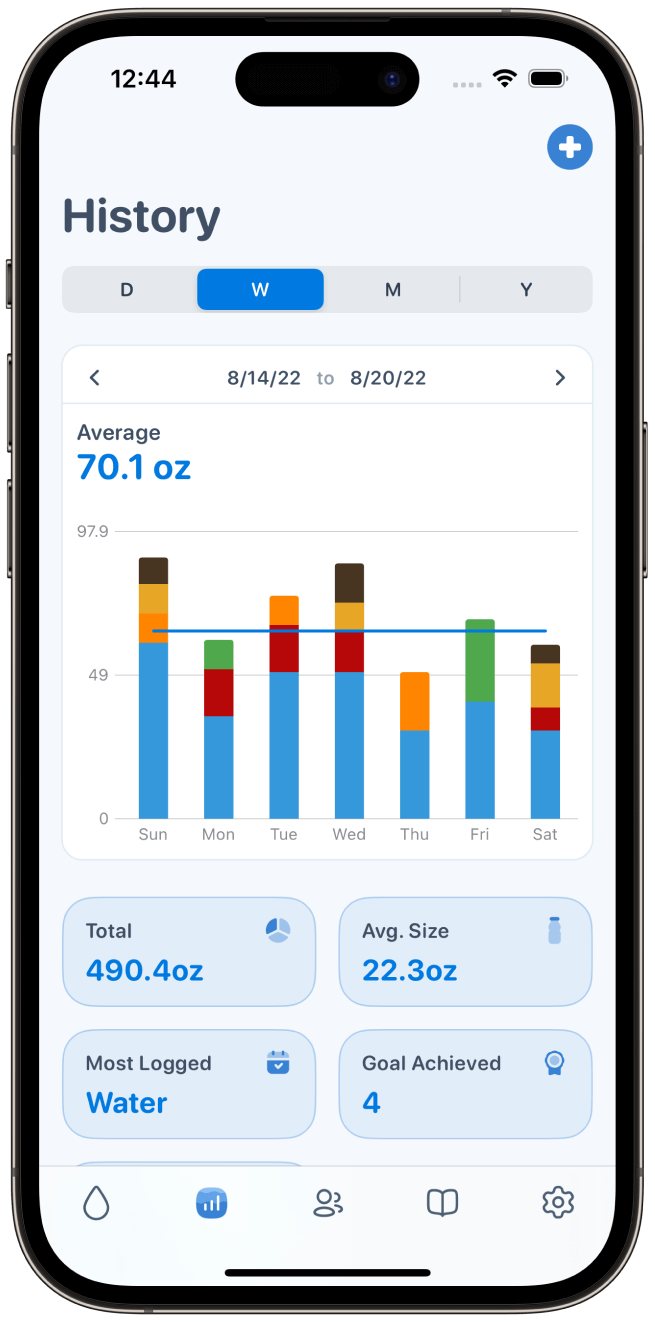
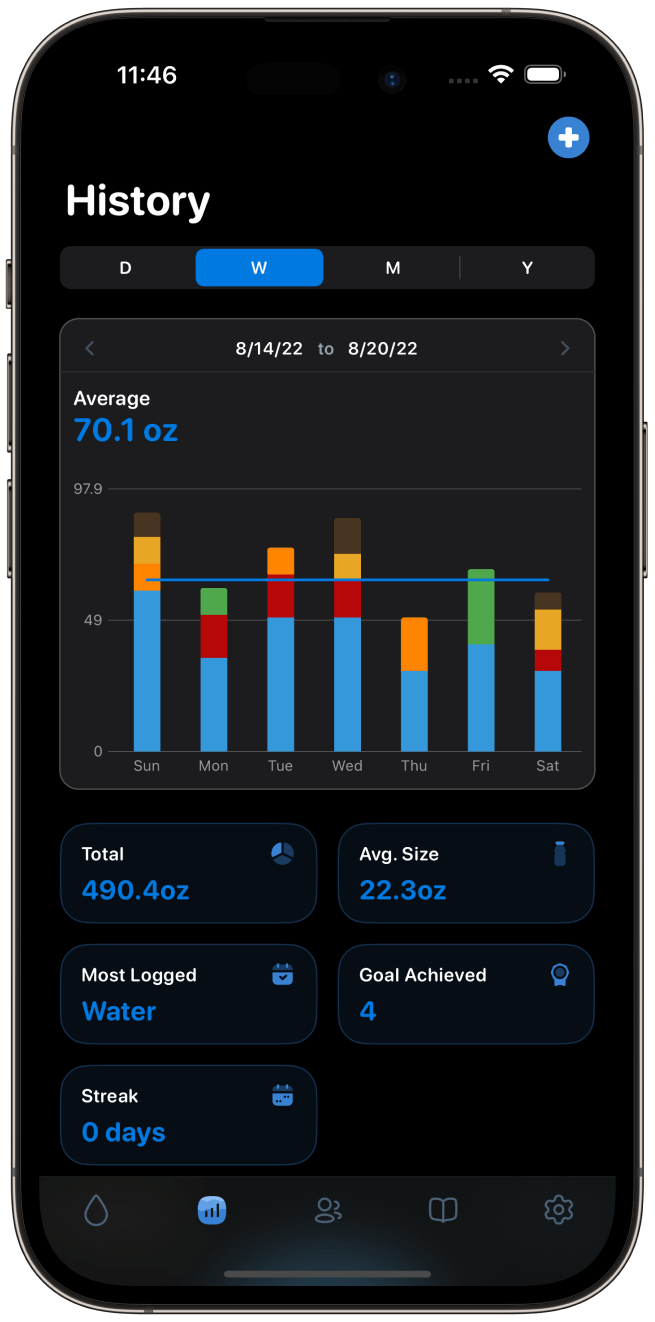
See your history, track your consistency, and watch your daily, weekly, and monthly trends. Missed a day? Add drinks to previous dates with a simple tap.
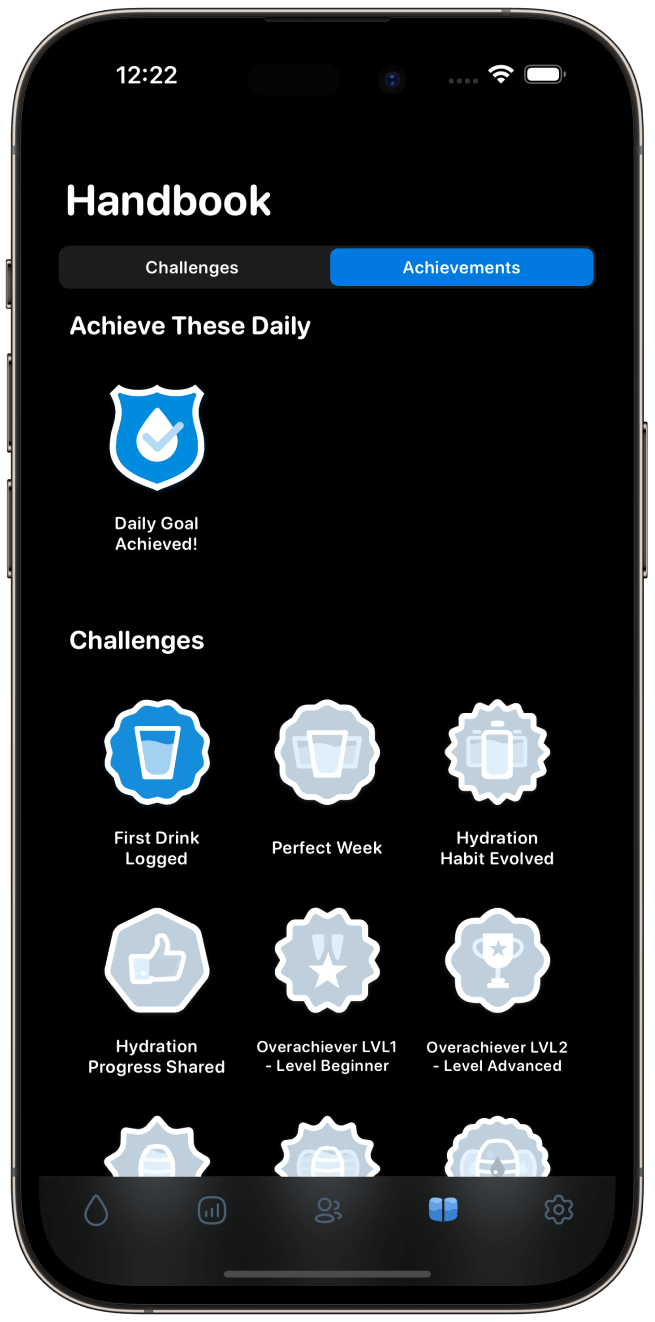
Streaks, Achievements, And A Little Celebration
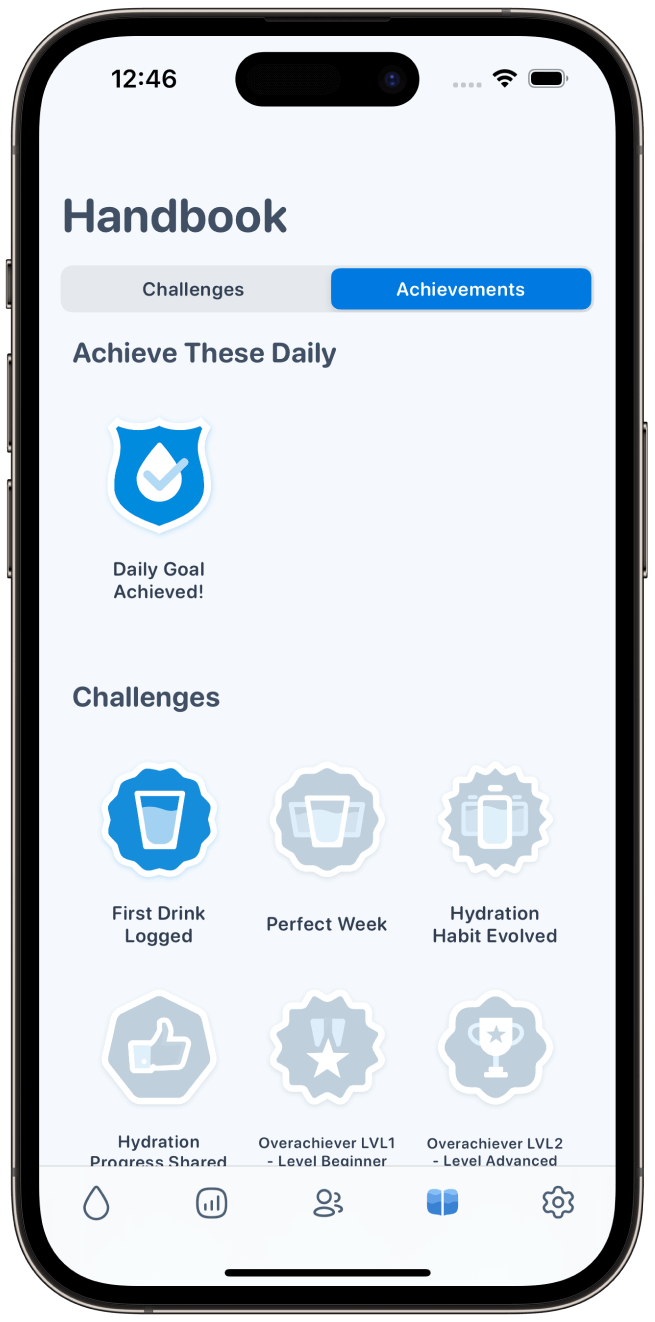
Keep your streak alive, collect badges as you hit milestones, and share your progress with family or friends for extra support along the way.
Loved By Millions Of People Building Better Hydration Habits
Millions of users choose WaterMinder to make staying hydrated a simple part of their everyday routine.
10M+
Downloads worldwide
4.7
★★★★★
Average App Store rating
App Store Editors' Choice
Apple watch dream!!
I normally forget about drinking water or am too engrossed in my work. I've tried apps for reminders but my phone does not always get my attention. The watch app gives me the needed reminders and makes it easy to register immediately. Highly recommended!!
One of best apps
Several weeks ago I decided to start tracking again as I would forget to drink water at times, so went to look for an app. I really like this app and it is one of the BEST apps I have ever used and would RECOMMEND it highly.
Essential Health App
I never used to drink enough water. This makes it fun to see where I’m at and where I should be throughout the day. The app is very easy to use. If you have a question their support is very responsive and helpful. They helped me customize my settings. I love this app. I even put its widget on my iPhone’s Lock Screen.
Great drinking app!
I was searching for a water minder app for a long time and finally I found what I was looking for. Really good Apple Watch support, almost everything can be configured to my drinking habits therefore easy to add drinks. I still use it after weeks so it definitely worth for the price.
Great app
Love this app, The iPhone, iPad Apple Watch and Mac versions are really well designed, work really well. Its quickly become part of my daily core 5 apps i use on a daily basis. The developer responds very quickly to requests and help. Can’t recommend this app more highly.
One of two faves! Get it! Amazing!
Love that it syncs across devices. Customizable goal. After 5 years of use I just discovered I can set it to weather conditions. Custom drinks give me accurate totals. Very terrific app!
New iOS 16 update
The new iOS 16 update is a complete redesign and looks great on iPhone and on watchOS. Love it!
EXACTLY what I was looking for!
The WaterMinder app is perfect! It's amazingly simple (especially with an Apple Watch) and has always worked flawlessly. The available complications for my watch are exactly what I was looking for, too. I downloaded the app when it cost $3 and would gladly do so again. This is a MUST HAVE app for health conscious iPhone and Apple Watch users!
Amazing!
Highly recommend, works super well, is highly configurable, has widgets for iPhone and Apple Watch, let’s you also track other drinks. I use it to track my water and sometimes caffeine and haven’t found any fault in 2 years!
Featured By Apple And The Press
Apple's Best of 2019, an Apple Developer Spotlight, and reviews from MacStories, 9to5Mac, Healthline, and more.

MacStories
WaterMinder Redesign Review

Apple's Best of 2019
The Year’s Top Apps
9to5Mac
WaterMinder Apple Watch Review

Apple Developer Spotlight
Drinking It All In

Healthline
A quick look at the best hydration apps

Vogue India
These 4 simple hacks will make you drink more water everyday
Make use of
12 Essential Wear OS Apps Every Smartwatch User Should Download
Proto
Top 10 Mobile App UI of August 2017
Lifehacker
10 of the Best Apps to Track Every New Year's Resolution
Blog
Check out our latest blog post.
10 Years Of Helping Millions Staying Hydrated With WaterMinder
Staying properly hydrated is essential for maintaining optimal health and well-being. Water is the elixir of life, serving as a vital component for our bodies to function efficiently. Water helps regulate body temperature, lubricate joints, transport nutrients, and...
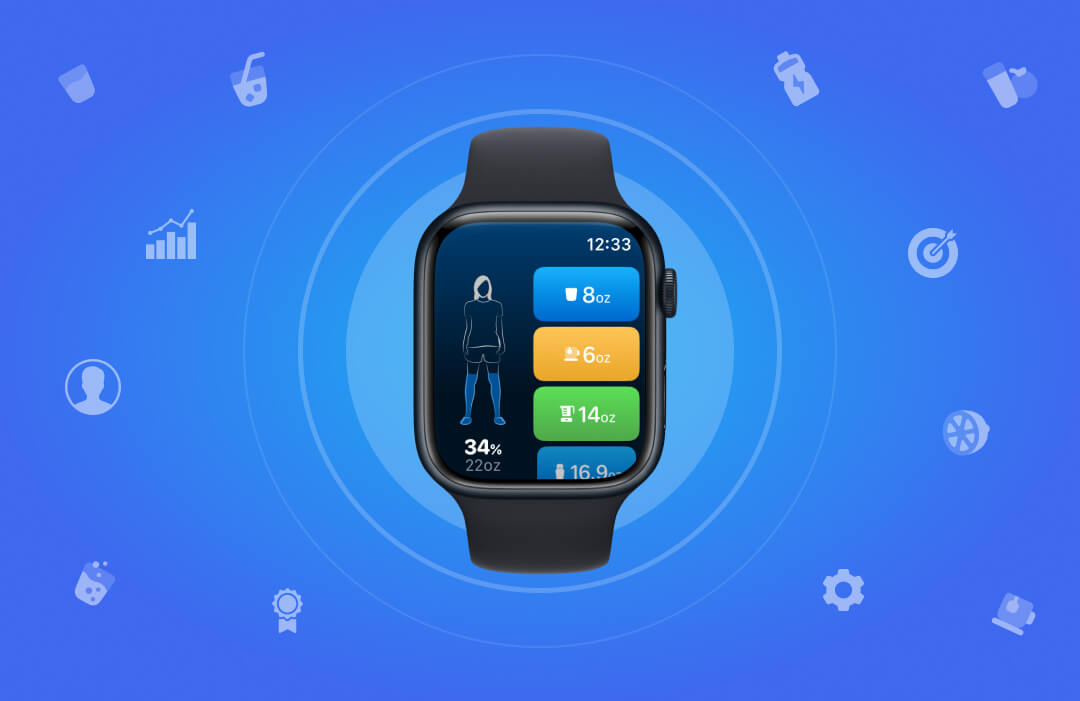
Guide for using WaterMinder App on smartwatch
We are literally here to serve you. WaterMinder is the best water drinking reminder app that helps you stay hydrated throughout the day with personalized reminders. It helps you track every kind of liquid intake and hydration level more precisely. It is a widely used...
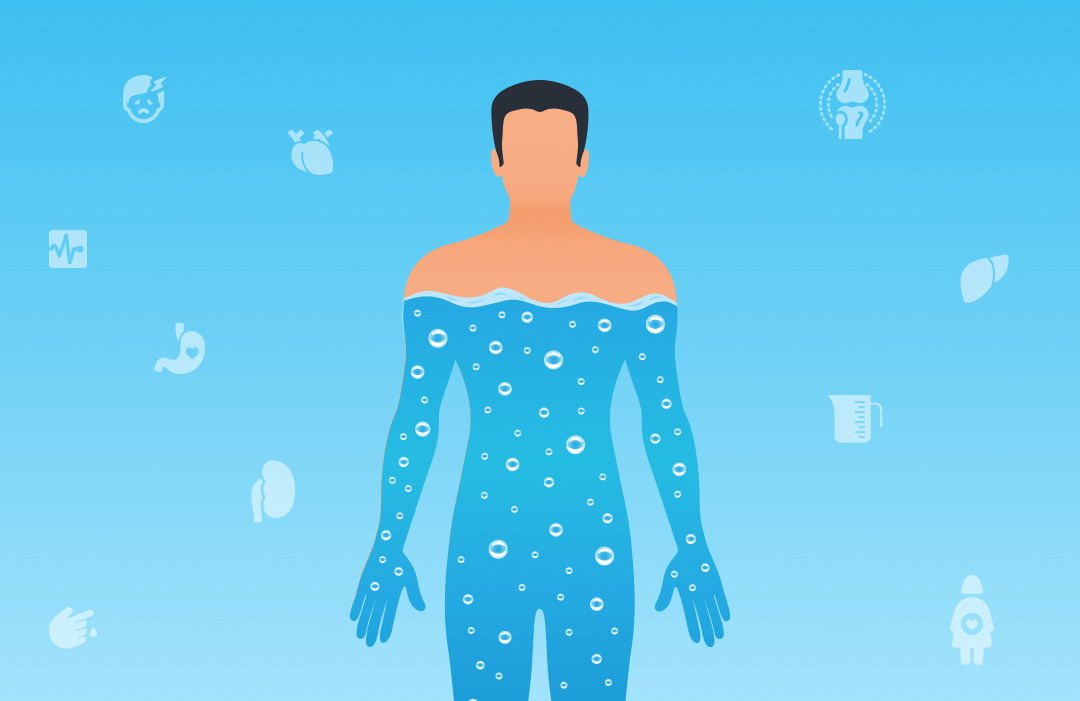
Hydration Tips for People with Certain Health Conditions
Hey, do you want to know a secret? Water is a major solution for almost all of your health issues. Everyone should consume eight glasses of water each day, as you may have heard. Although that advice is reasonable, it does not take into account each person's unique...
FAQs
Most frequently asked questions by users
How do you add WaterMinder widgets to your home screen?
Adding WaterMinder widgets to your home screen will help you track your water intake and log it without even opening the app. It can be added to the home screen by tapping and holding on the home screen. Tap the + symbol. In the search box, start typing WaterMinder. Tap on the option for WaterMinder. Here is a detailed guide for adding the widget.
How do you add Siri shortcuts for the WaterMinder App?
Siri Shortcuts are available in iOS 12 or later. This feature will allow you to quickly log your water intake, check your current hydration, or reach your remaining goal - simply by asking Siri. You can Go to WaterMinder > Settings > Siri Shortcuts and choose the shortcuts you want to add. Here is a step by step guide for adding Siri Shortcuts.
How do you customize existing cups in WaterMinder?
In WaterMinder, there are two types of cups available, Default cups and custom cups. You can edit the settings for the default cup and also add new cups. You can go to the settings menu and edit the default cup. You can also add a new cup by clicking on the plus button. For more details, click here.
How hydrating are drinks other than water?
The water content in our bodies is more than 75%. Water is the most effective source of hydration. There are other drinks too, like juices, smoothies, tea, coffee, etc., that can contribute to hydration. But the impact of plain water is the highest. Check out this descriptive blog that explains the hydration impact of different drinks on our bodies.
Can you install the WaterMinder app on the Apple Watch?
Yes, you can install the WaterMinderApp on the Apple Watch by going to the Watch app on your phone and downloading it from there. If you have already downloaded it on your phone, you can sync it with your watch. Check out our detailed guide here. here.
How do I recover lost data from the WaterMinder app after an update?
After an update, it might happen that you lose the data and can't access the history. This happens due to sync issues with iCloud. You can go to Settings>iCloud>iCloud Drive. Turn on the button for the WaterMinder. For more details, visit here.
What Are Activity Levels, and How Do They Work?
The WaterMinder calculates your water intake on the basis of your activity level. There are four options in the Activity level menu- Sedentary, Lightly Active, Moderately Active and Very Active. You can choose the most convenient option by going to the profile menu. Check out the detailed guide here.
Can I log in the water intake using the Apple Watch Siri watch face?
You can now log in to the water intake using the Siri Cards on the Apple Watch. WaterMinder cards will suggest logging your favorite drink right from the Siri watch face. The suggestion cards will appear around the reminder times set in your app. Check out the steps here.
What do I do when the WaterMinder app is stuck on "Please set up your profile screen" on the Apple Watch?
In this situation, you should remove the app from your phone and watch. Restart the devices and reinstall the application on both devices. Then open the app on both of them, the starting screen will appear. Check out our guide here.
Can I modify the default cup sizes?
Yes, you can modify the default cups by clicking on them in the Settings menu. Tap on the cup and change the settings according to your preference.For a step by step process, click here.
How do I add drink intake to the previous days?
You can add the water intake for the previous day by tapping on the history icon at the bottom of the home screen. Check out the detailed guide here.
How do I delete the incorrect logs?
You can delete the incorrect log by two ways-
- You can either go to the history section and delete it.
- When you log your water intake, a message flashes on the screen that says "Shake To Undo". If you shake your device, the drink you have just entered will be removed.
Why am I not getting reminders from the app?
You might not be receiving the reminders from the app due to various reasons. There are four main things that stop the WaterMinder app from sending you reminders:
- You have already reached your daily Water Intake Goal
- Reminders are switched off
- Your reminder type settings
- Weekday settings
Here is a detailed guide to how you can solve these issues and continue receiving notifications.
How do reminders work?
The main purpose of the WaterMinder app is to give you regular reminders to stay hydrated throughout the day. There are different types of reminders that are available in the application. Learn in detail about the reminders here.
How do I change my daily water intake Goal?
The WaterMinder app assigns a default daily Water Intake Goal for you based on your weight. But that does not take into account other factors, like whether you are in a hot climate, are very active, or are pregnant. It is therefore possible to change the Water Intake Goal to suit your environment, lifestyle, and what your body is telling you. Check out the detailed process here.
Does coffee or tea count towards my daily goal?
Yes, it counts towards your daily intake goal. Despite water being the best source of hydration, coffee or tea are also sources of hydration as they contain water. Check out how they impact your hydration levels.
How much water should I drink?
The minimum water intake for every individual should be around 8 glasses every day. The ideal water intake ranges around 13 cups for men and 9 cups for women. It further depends on your body, and you should consult your doctor for a precise quantity. For more details, visit here.
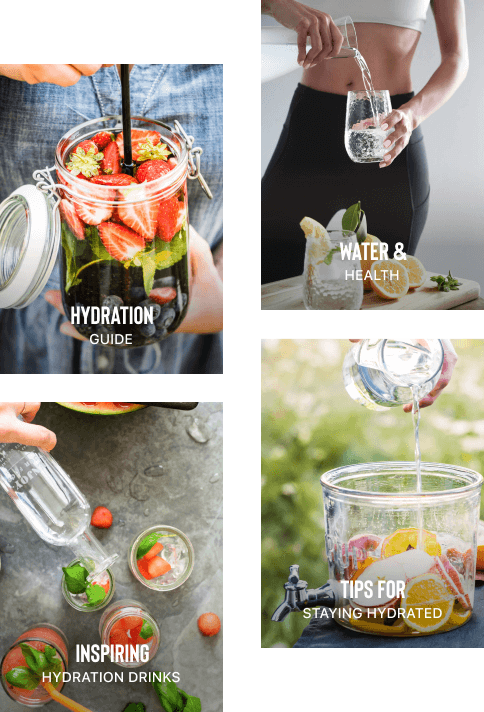
Hydration Guide
Ultimate Guide To Restore, Rejuvinate and Refine Your Body
We help people stay hydrated with the WaterMinder App. Now you can learn everything you need to know about water and your health, how to stay hydrated, and much more with our new hydration book!

Kriss Smolka
From The Creators Of The
Waterminder App
Ready To Make Hydration Part Of Your Day?
Start building a simple hydration routine with personalized goals, reminders, and tracking that works around your lifestyle.
Small reminders today can become better habits tomorrow.